That “Not Secure” Warning Is Costing You Customers
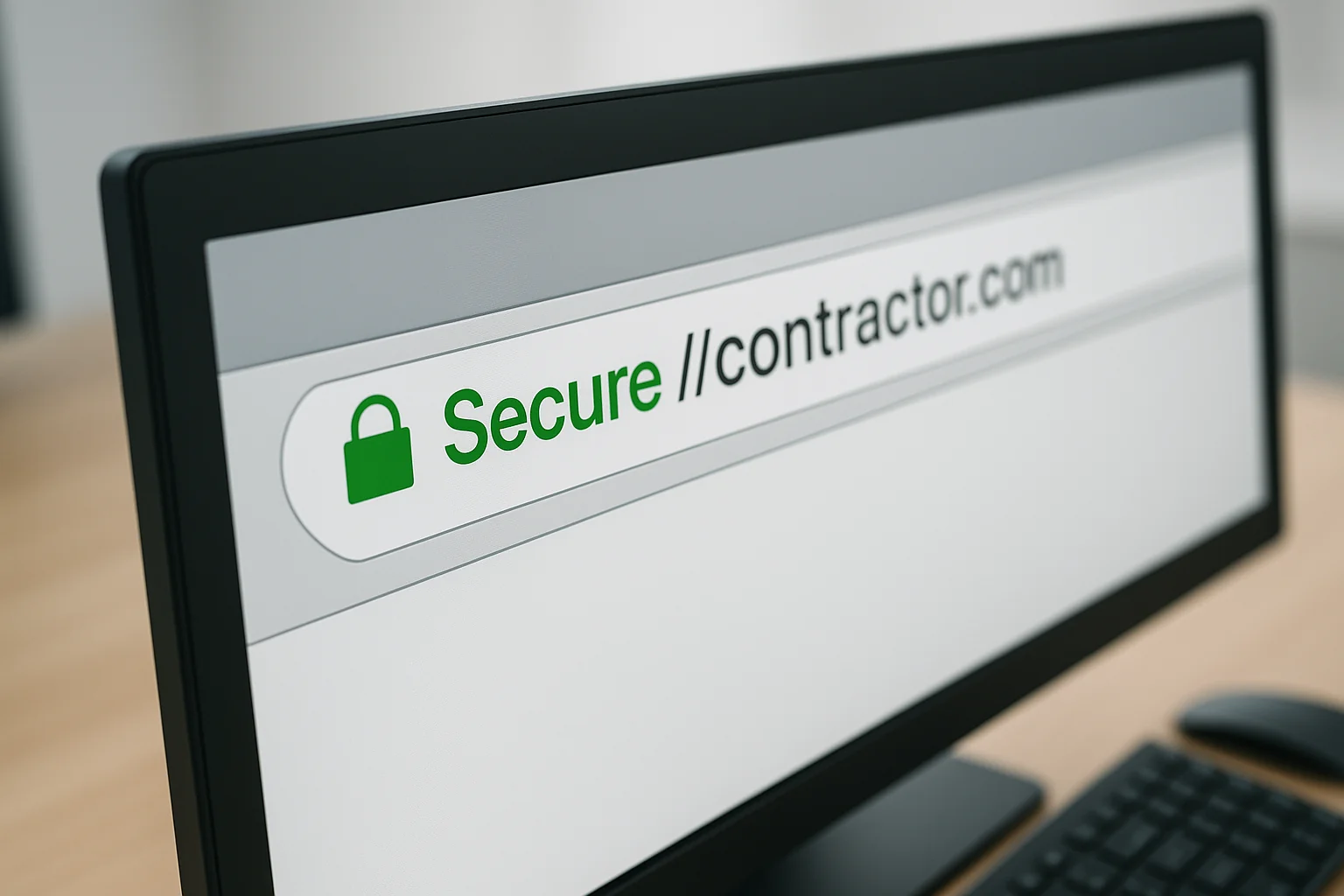
Pull up your website right now. Look at the browser bar — the area where your web address appears. Do you see a little padlock icon? Or do you see the words “Not Secure”?
If you see “Not Secure,” every single person who visits your website sees that too. And a good chunk of them are leaving immediately because of it.
Google Chrome, which accounts for roughly 65% of all web browsing, started marking non-HTTPS sites as “Not Secure” back in 2018. Safari, Firefox, and Edge followed suit. That means no matter what browser your potential customers are using, they are being warned that your website is not safe.
For a contractor who is asking people to trust them with their home, that warning is devastating.
What Is SSL in Plain English?
SSL stands for Secure Sockets Layer. But forget the technical name — here is what it actually does.
When someone visits your website, information travels between their device and your web server. Without SSL, that information travels in plain text — meaning anyone who intercepts it can read it. With SSL, that information is encrypted — scrambled up so that only the intended recipient can read it.
You can tell a site has SSL by two things:
- The web address starts with https:// instead of http://
- There is a padlock icon in the browser bar
That is it. SSL encrypts the connection between your visitor and your website. It is the digital equivalent of having a conversation in a private room versus shouting across a crowded restaurant.
Why Does This Matter for a Contractor’s Website?
You might be thinking: “I am not running an online store. Nobody is entering credit card numbers on my site. Why do I need encryption?”
Fair question. Here is why:
1. Google Uses HTTPS as a Ranking Factor
Google confirmed in 2014 that HTTPS is a ranking signal. That means, all other things being equal, a website with SSL will rank higher than one without it. In 2023, with competition for local search tighter than ever, giving up ranking points over something this basic is just handing business to your competitors.
2. Browsers Actively Warn Visitors Away
As mentioned, every major browser now displays a warning for non-HTTPS sites. Chrome is particularly aggressive about it — the “Not Secure” text appears in red when a user tries to enter any information on the page, including your contact form.
Think about that. A homeowner finds your website, likes what they see, goes to fill out your contact form — and their browser flashes a red “Not Secure” warning. A study by HubSpot found that 82% of respondents said they would leave a website that their browser marked as not secure.
3. It Protects Your Contact Form Data
Even though you are not processing credit cards, your contact form probably collects names, phone numbers, email addresses, and sometimes home addresses. Without SSL, that information is transmitted in plain text. That is a basic privacy issue that reflects poorly on your business.
4. It Costs You Literally Nothing
This is the part that should make you take action today. SSL certificates are free. Services like Let’s Encrypt provide free SSL certificates, and most modern hosting providers include SSL at no extra charge. There is zero financial reason not to have one.
How to Check If Your Site Has SSL
This takes about five seconds:
- Open your website in a browser
- Look at the address bar
- If you see a padlock and your address starts with https:// — you have SSL
- If you see “Not Secure” or your address starts with http:// — you do not
You can also run a quick check at ssllabs.com/ssltest — just enter your website address and it will give you a full report on your SSL status, including any configuration issues.
What If Your Site Does Not Have SSL?
If your site is missing SSL, here is what to do:
Contact your hosting provider. Most hosting companies offer free SSL through Let’s Encrypt. Call or email your hosting company and ask them to enable SSL on your site. For most hosts, this is a one-click process on their end.
Check if it needs to be configured. Sometimes SSL is installed but the website is not set up to use it. Your site might be accessible at both http:// and https://, which means you need to set up a redirect so all traffic goes to the secure version.
If your host charges extra for SSL, that is a red flag. Any hosting company still charging $50-100 per year for a basic SSL certificate in 2023 is price-gouging you on something that costs them nothing to provide. It might be time to reconsider your hosting.
Common SSL Problems and How to Fix Them
Mixed content warnings: Your site has SSL, but some images or scripts are still loading over http://. This causes browsers to show a partial warning. The fix is to update all internal links and image sources to use https://.
Expired certificate: SSL certificates need to be renewed periodically (usually every 90 days for free certificates, annually for paid ones). If yours expires, the browser will show a full-page warning telling visitors the site is unsafe. Most hosting providers auto-renew, but check that yours does.
Wrong domain on the certificate: If your SSL certificate is for “www.yoursite.com” but someone visits “yoursite.com” (without www), they might get a security warning. Make sure your certificate covers both versions.
Bottom Line
SSL is not optional anymore. It has not been optional since 2018 when browsers started warning visitors about non-secure sites. It is free, it takes minutes to set up, it helps your Google ranking, and it stops you from scaring away potential customers with a red “Not Secure” warning.
If your website does not have SSL today, make one phone call to your hosting provider and get it fixed. It is the single easiest improvement you can make to your website, and there is absolutely no reason not to do it.
Every day your site shows “Not Secure” is a day you are telling potential customers that you cannot be trusted with their basic information. That is not the message any contractor wants to send.
Webpage Workmen
We build modern, lightning-fast websites exclusively for tradesmen. Plumbers, electricians, HVAC techs, roofers — we speak your language and we are here to help your business grow online.